Introducing Mediforce v1.0.0: Human-in-the-Lead Workflows for Pharma

Almost every conversation we’ve had about agents in clinical work has ended up in the same place, and it has never been about the model. It goes to who approves the output, what happens when the agent gets something wrong, and whether QA will accept any of it. One data manager put it to us as a question about her own signature: if an agent flags a delivery and she accepts it, what exactly is she attesting to?
That question doesn’t have a good answer if the agent is a script on someone’s laptop. It needs a workflow with a record attached, and building that record is most of the work. It is also the part that gets rebuilt from scratch on every project, usually badly, usually twice.
We’ve been writing about this as we go, in an AI series covering what an agent actually is, the levels of autonomy you can give one, and what oversight a regulator will accept. Over the past few months we’ve been building alongside that writing: fixing bugs, revisiting different user experience patterns for designing workflows, debating the biggest and the smallest things, and so much more.
Today we’re happy to announce that work is at v1.0.0. Mediforce is an open-source platform for human-in-the-loop AI workflows in regulated clinical processes, Apache 2.0 on GitHub.
To be clear about what the version number means: the platform surface is stable enough to build workflows on. It doesn’t mean we’re finished, and it doesn’t make anyone validated. Your validation process stays yours. But Mediforce ensures the evidence it asks for is already there when you go looking.
Repository · v1.0.0 release · Docs · Request a demo
Key features
A workflow is a graph of steps. Every step gets a Control Mode, and the platform enforces it.
Because it’s per step, the step that summarises validation findings can run by itself while the step that touches a submission waits for a named reviewer.
A workflow assistant that builds with you. Describe the process and the assistant lays the steps out on the canvas and wires the transitions. Ask it to add a human approval before the report goes out and it adds the step. It shows you the change before the workflow saves, which matters more than it sounds: an assistant that silently edits your graph is a liability in a regulated process.
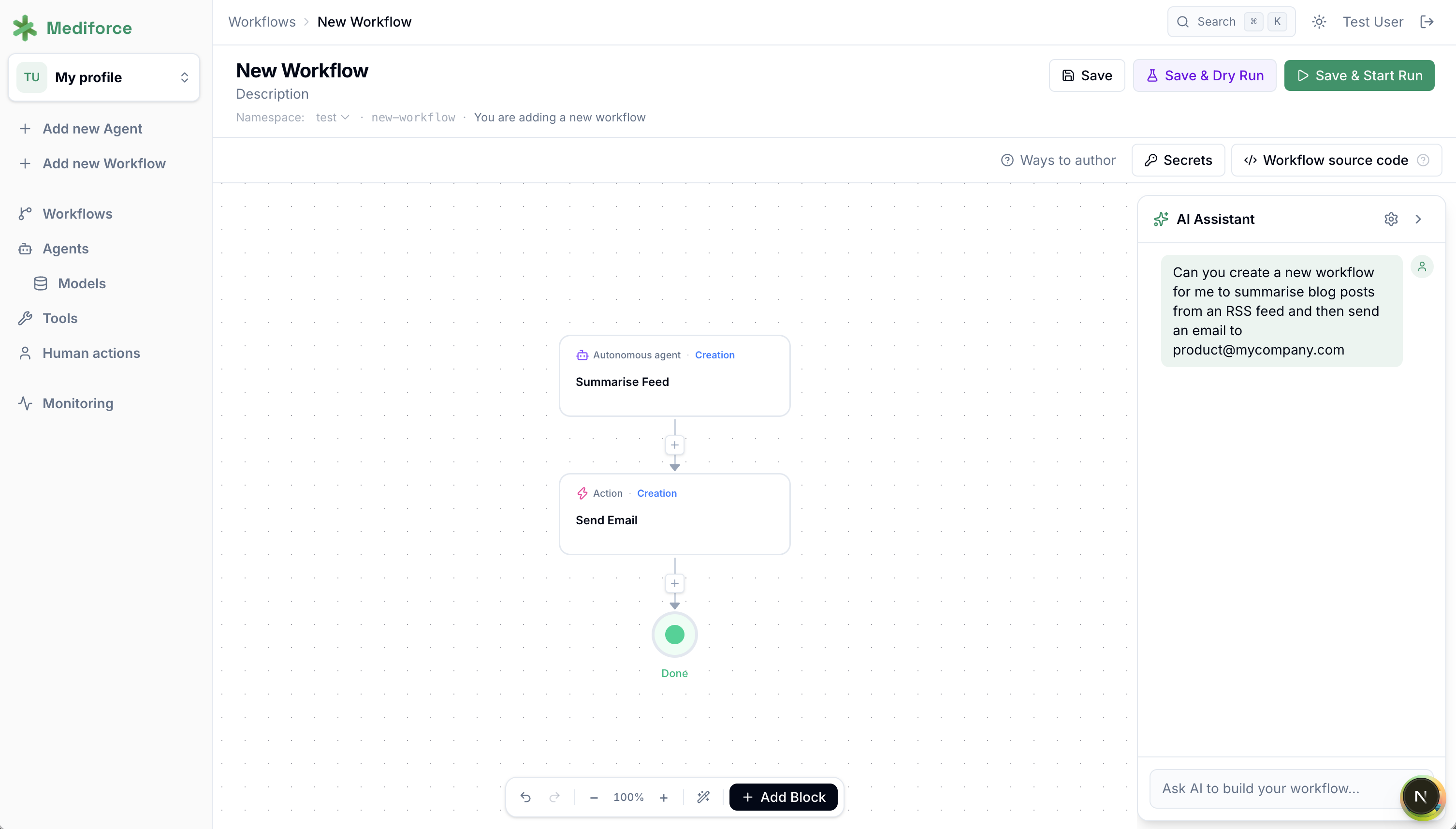
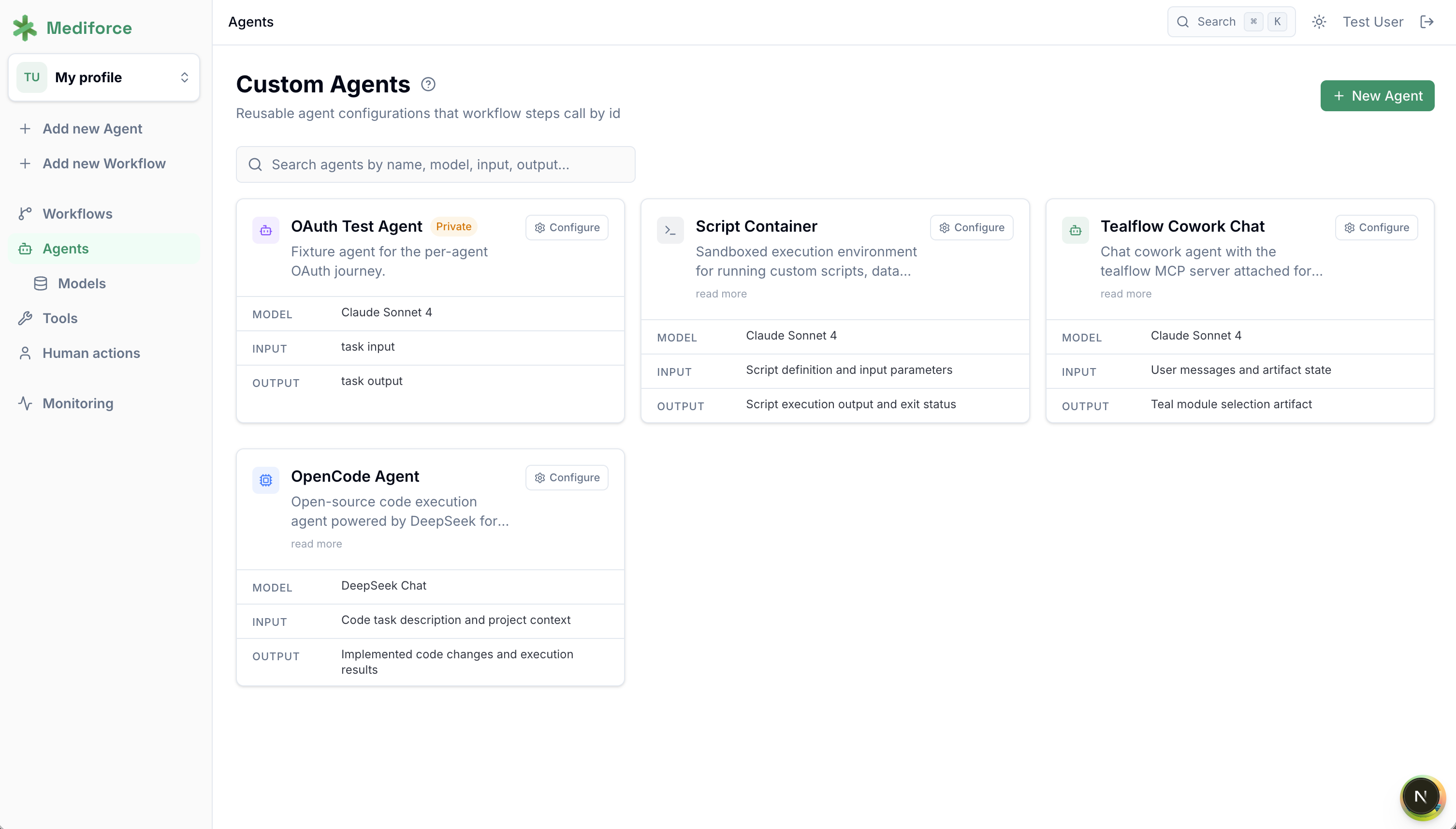
Bring your own key, and spend it where it counts. The model is set per step. A step reformatting a listing can run on something small. The step reading a protocol and drafting TFL shells runs on your best model. Every run totals its own cost, so when a workflow gets expensive you can see which step did it, and moving that step to a cheaper model is a dropdown. The key sits in your workspace secrets rather than an account we hold.
An audit trail, populated whether or not you were thinking about audit. Six months on, someone asks why a delivery was accepted. Already recorded: who accepted it, in what role, what the agent read, what it produced, which model produced it, the workflow version, and the basis it acted on.
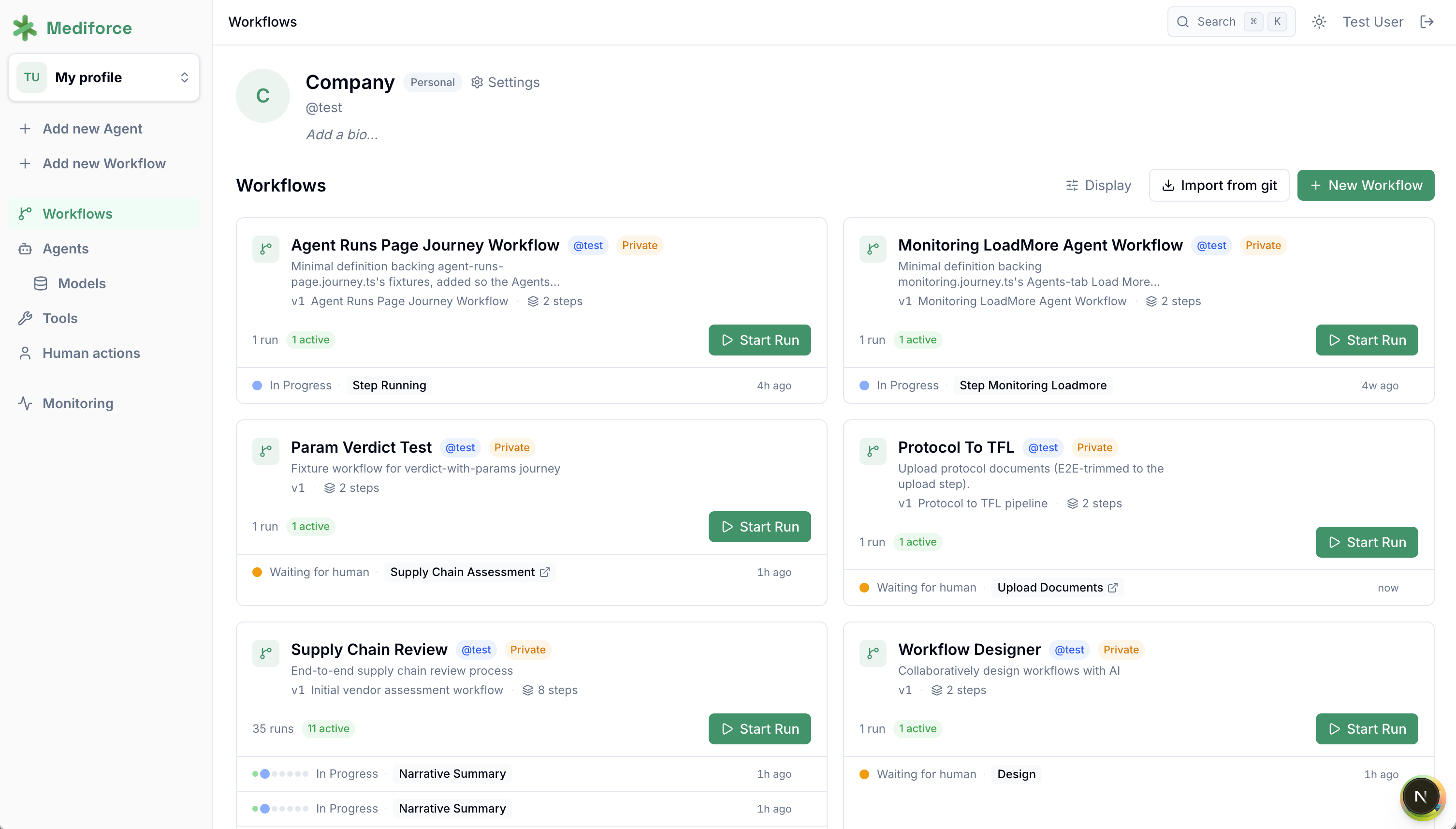
Versioned and locked workflows. Activating a workflow locks that version, so a run traces to the definition that produced it and not to whatever the workflow looks like today. You can also dry run first, with agent and script work mocked, and check the approval gates before study data moves.
Roles, scoped secrets, isolated containers. Workspace roles decide who sees which workflow. A CRO integration’s credentials can be scoped to one workflow instead of readable by everything in the org. Agents execute in containers, away from your application.
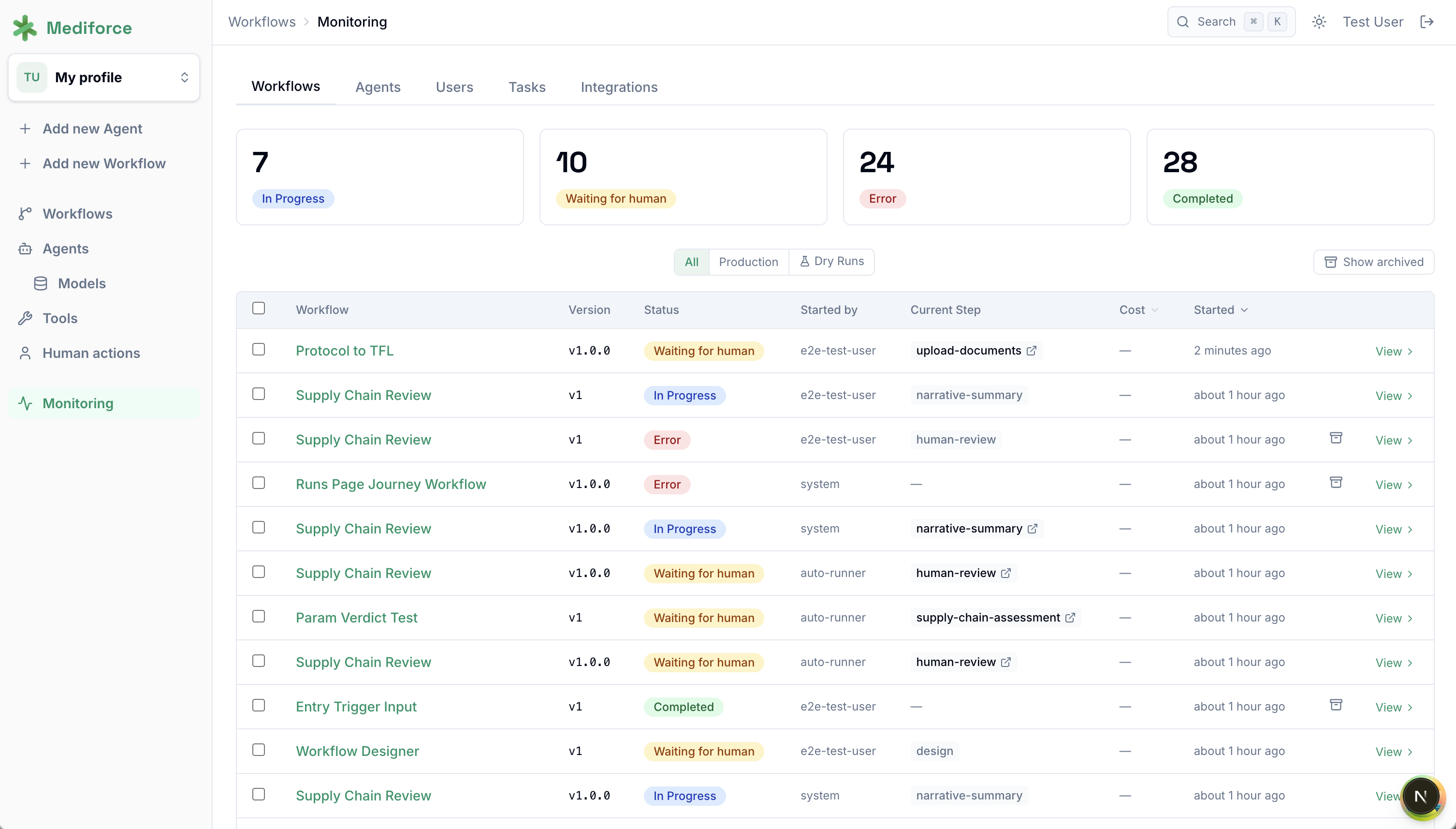
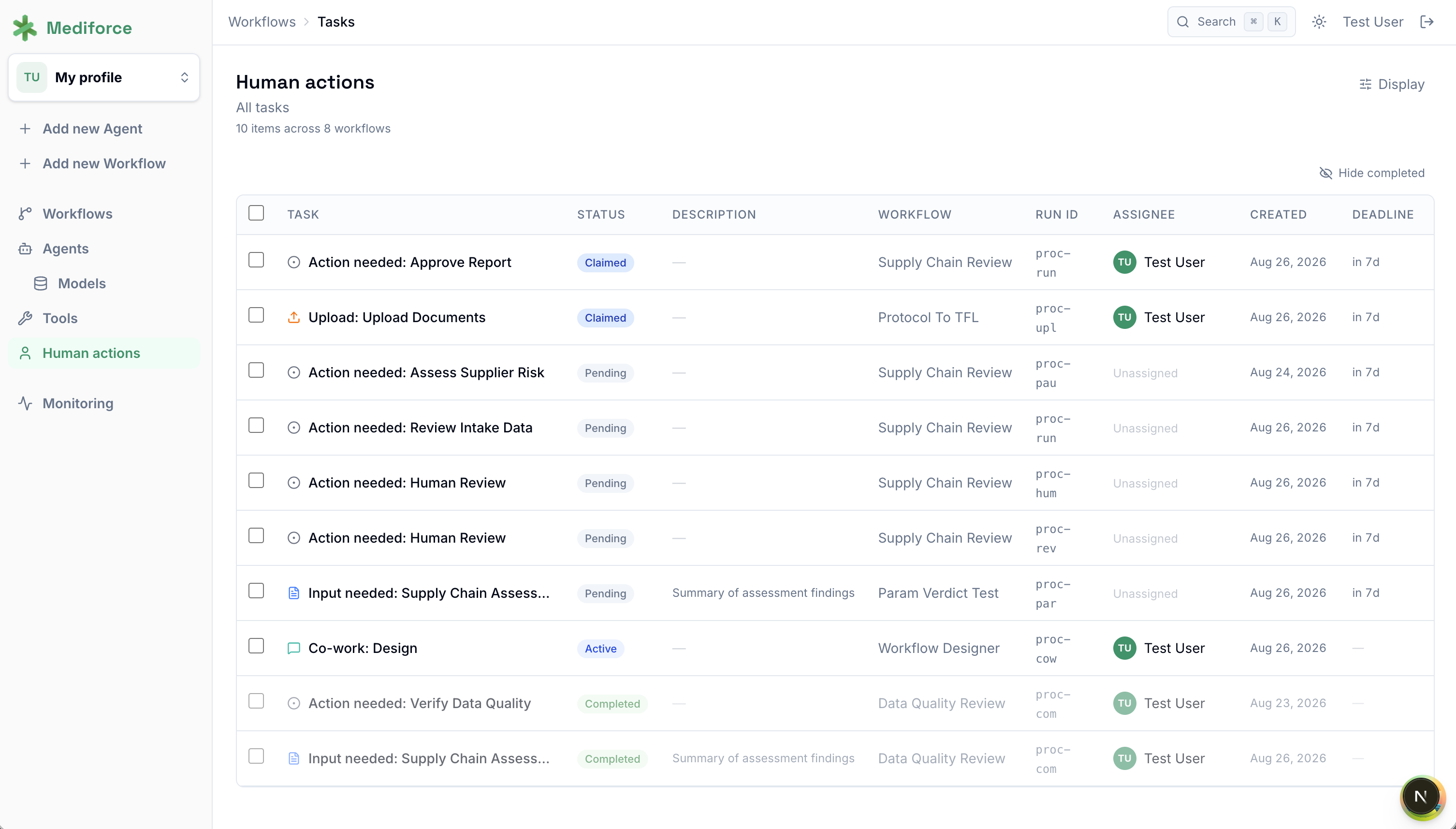
The rest is plumbing you would otherwise write: workflow triggers by hand, on a CRON schedule, or by webhook. MCP tools with per-step limits on what an agent can reach. Task queues carrying verdicts and comments. A CLI covering what the UI does, so a workflow can run in CI.
Case studies
CRO data delivery. A workflow polls the CRO’s SFTP on a schedule and runs each delivery through the CDISC CORE rules engine. Findings come back categorised by severity and mapped to the regulatory target, and an agent turns them into a one page report. The data manager accepts or rejects. On rejection, an agent drafts the note back to the CRO, scoped to the findings that came up rather than the whole validator dump. Read it here.
Collecting submission documents. The coordinator says once who owes what and by when. An agent watches the drive, checks arrivals against the spec, and flags what doesn’t match, including the document filed under the wrong drug label. The coordinator picks wait, remind, or request a fix, and an agent drafts the outgoing note. The loop runs until the package is complete. Read it here.
Where Mediforce enters
Try it
The documentation walks through building a first workflow. We’re building in the open, so read the code, run it, and tell us where it breaks. Pull requests are welcome. Or help us help you by requesting a demo.
Lastly, we’ll go through some strategic pharma workflows properly in our What’s Your Workflow? series over the coming weeks, starting with the data validation landing zone.
